01 AI EXPLORER · UNDERSTAND AI

First, make AI
make sense.

What is AI? How does a language model write? What can these tools help with—and where do people need to step in? Begin with familiar examples and plain words, before the harder tasks.

  • AI and language models, explained simply
  • What AI can do today, and why it can be wrong
  • Clear requests, privacy and learning from examples

Beginner foundations. No coding required.

See how a simple lesson works
02 AI BUILDER · USE AI WELL

More understanding.
More possibility.

Build on the basics: improve a request, use AI as a study helper, test the examples a model learns from and stay in charge of tools that propose actions.

LEARN BY EXPERIMENTING

Change an example.
Test what happens.
Explain what you would improve.

Progress towards more complex skills, step by step.

03 AI CREATOR · CREATE WITH AI

An idea becomes
something they made.

Progress towards planning a website or app, building it with assistance, and testing and improving the result. The learner brings the ideas and judgement—not just a request for an instant answer.

A first websiteAn interactive web appAn installable web app

A practical direction for the skills they are learning.

Ask about the learning pathway
Family learning access opens soon. Explore the courses and request information below.
Understand AI.Use AI well.Create with AI.
TEACH FIRST. BUILD CONFIDENCE THROUGH PRACTICE.

A clear rhythm.
An idea at a time.

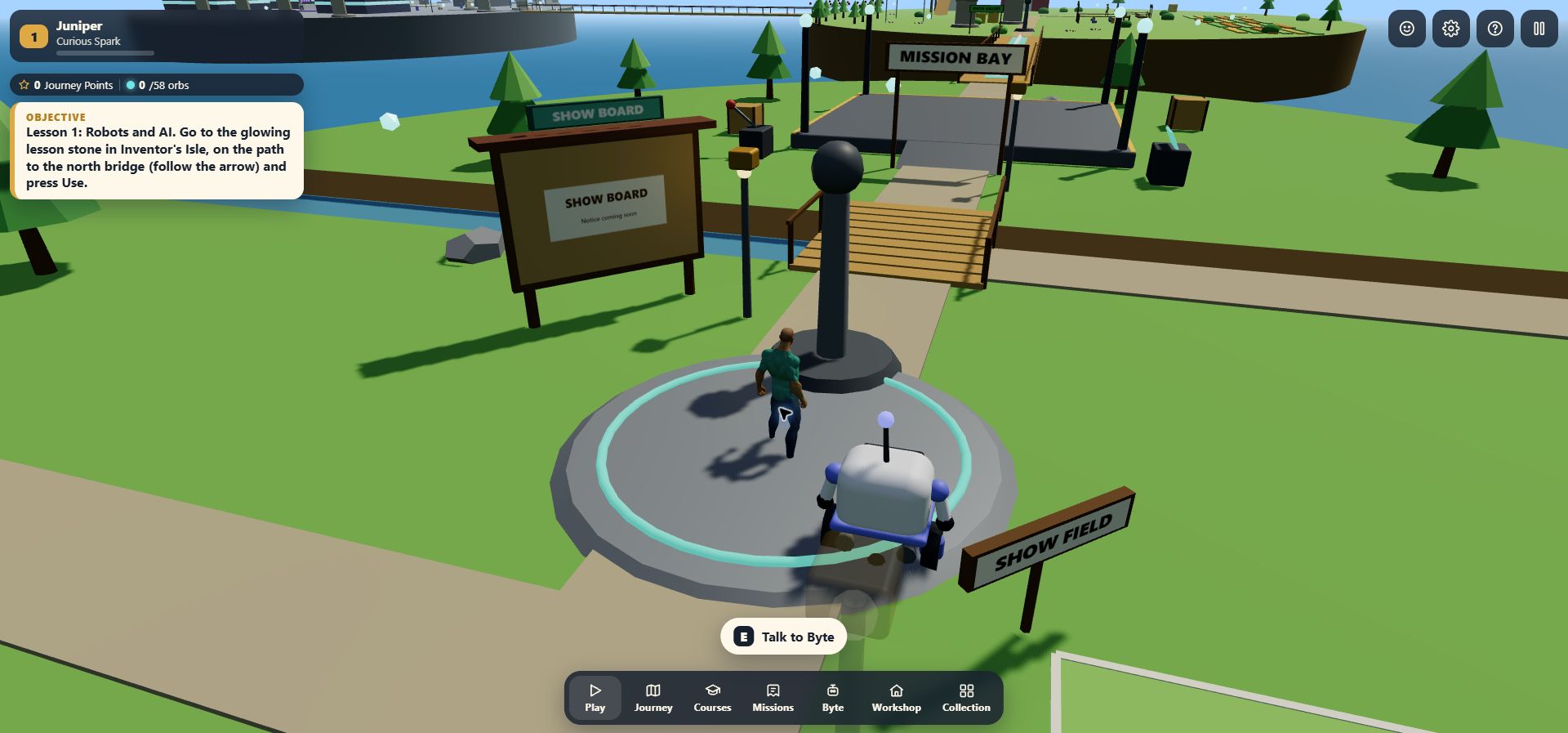
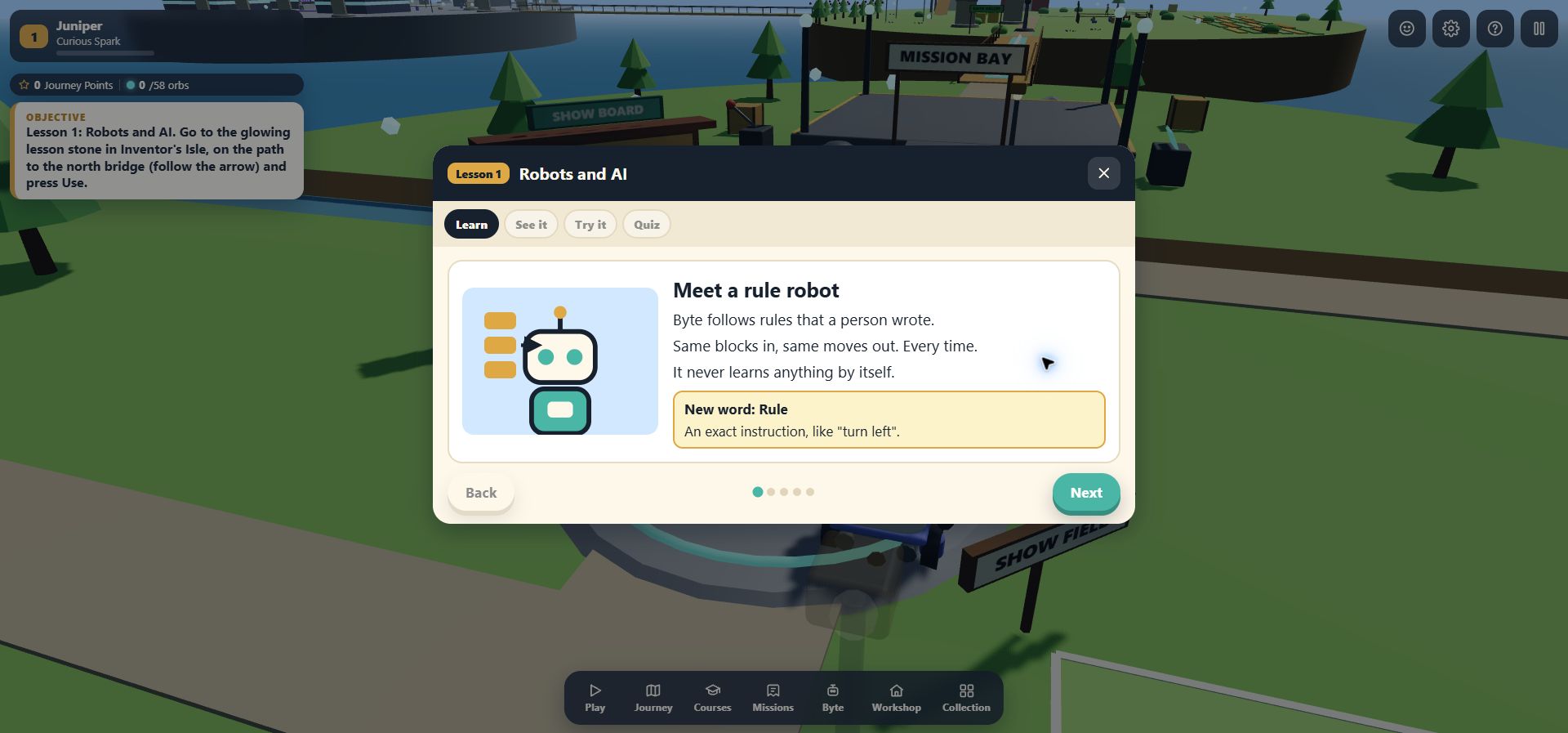
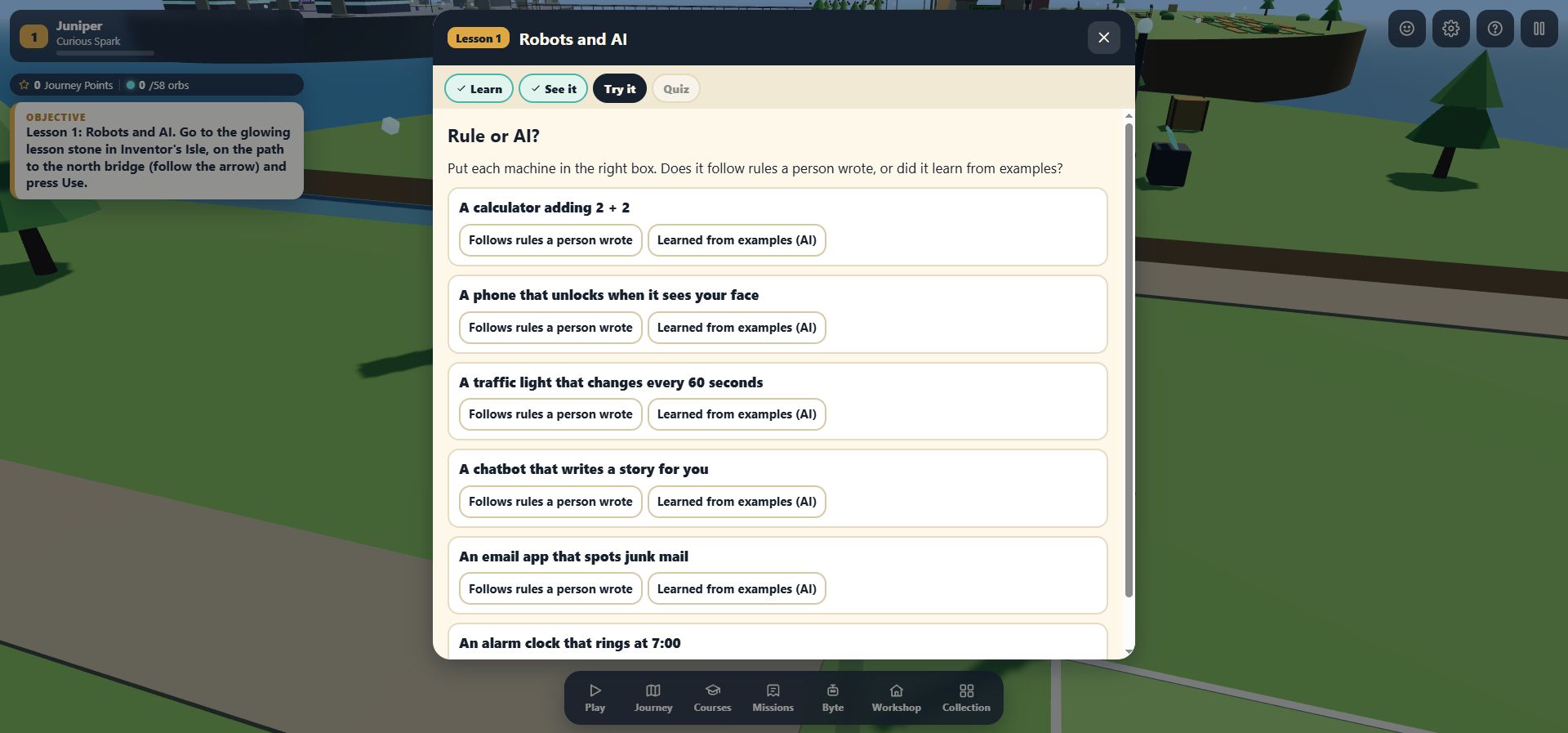
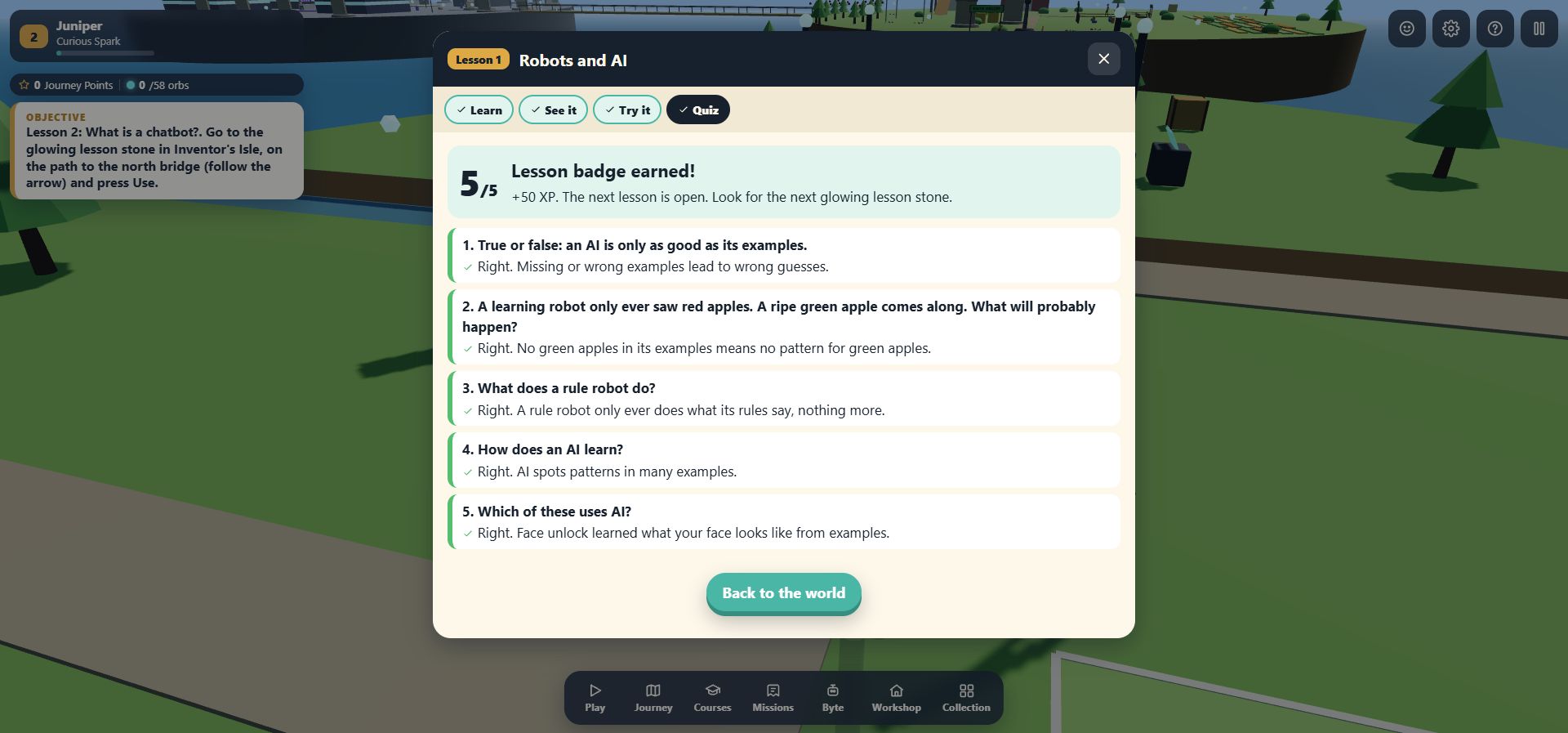
Each lesson begins with a simple idea, adds a visual example and guided practice, then checks understanding before the next step.

  1. 01

    Learn

    A short explanation, in plain words.

  2. 02

    See

    An example that makes the idea visible.

  3. 03

    Try

    Guided practice with helpful feedback.

  4. 04

    Apply

    An interactive task with a purpose.

  5. 05

    Check

    A short quiz, review and a next step.

SEE THE TEACHING APPROACH

Explain it.
Then explore it.

See the teaching-first approach in a short example you can try with your child or class. Start with an idea, see what it means, practise with help and check what you understood.

Simple language. No account needed.
Your first language-helper lessonA short website example
01
ONE IDEA FIRST

A language helper learns patterns.

Many AI tools learn patterns from examples. A large language model, or LLM, is a kind of AI trained on lots of writing.

It uses those patterns and your message to build an answer, a small piece of text at a time. It can explain and create—but it can also be wrong.

NEW WORDPredict

Make a guess using the information you have.

Read the explanation without the interaction

An LLM learns patterns from writing and predicts pieces of text. Clear prompts give it useful context, but a clear answer can still contain mistakes. Check important facts. The stories and replies here are authored examples, not output from a live model.

An illustrative website lesson, not a full course or a learner assessment. No AI service is called, and no answers or progress are saved.

FOR PARENTS & CARERS

A first step today.
Room to grow tomorrow.

Your child does not need to arrive knowing what AI, an LLM or a prompt means. Start with the basics, then build towards more complex skills and useful creative projects.

01

Explanations before expectations.

Plain language, concrete examples and a clear learning order. Understand the idea first, then put it into practice with help.

02

Practice that has a point.

Make a choice, see a result and try an improvement. Interactive tasks and short checks give the learning somewhere to go.

03

Progress towards making things.

From understanding a language helper to planning and testing a project of their own. Ask “What did you learn?” and “What could you make with it?”

FOR SCHOOLS & EDUCATORS

AI foundations.
A pathway to creating.

A teaching-first approach for learners aged 9 and up: explain the concept, demonstrate it, practise it and check understanding. Bring the ideas into classroom conversations, then explore more ambitious projects.

  • AI and LLM basics, in accessible language.
  • Current uses, limitations and responsible habits.
  • Progressive tasks, checks and creative projects.
Let’s talk about your school

Tell us about your age group and teaching goals when we follow up. No pupil details are needed here.

A lesson worth talking about.
UNDERSTAND

How does the
language helper work?

PRACTISE

What changes
when we improve the request?

CREATE

What could we
build with this idea?

FOR YOUR FAMILY OR SCHOOL

Let’s talk about
your learners.

Interested in the AI learning pathway for your child or class? Choose family or school below. Request course information and hear when access opens.

No child or pupil details needed.
This enquiry is for adults.
I’m interested for

For parents and educators. Please don’t include a child’s personal details. We’ll use your information to respond to your request.

QUESTIONS FROM PARENTS & EDUCATORS
Where does a beginner start?+

With what AI is, how a language model works and what AI tools can and cannot do. Explanations and guided practice come before more complex projects.

What does the learning progress towards?+

Understand AI, use it well, then create with it: better requests, checking results, model experiments and eventually planning, building and testing websites or apps.

Does a learner need to know coding first?+

No. The introductory pathway starts with simple concepts and everyday examples. Coding belongs to the later creative stage, not the entry requirements.

Is the website example a live chatbot?+

No. It uses authored examples to demonstrate the teaching approach. It sends no messages to an AI service and saves no answers or learning progress.

How can our school explore this?+

Choose “A school” in the enquiry form. We’ll follow up about your teaching goals and interest in school access. Please don’t submit pupil names or personal information.

How do we find out about course access?+

Try the example here, then request family or school information. We’ll share course availability. The enquiry does not create a child account or activate a subscription.